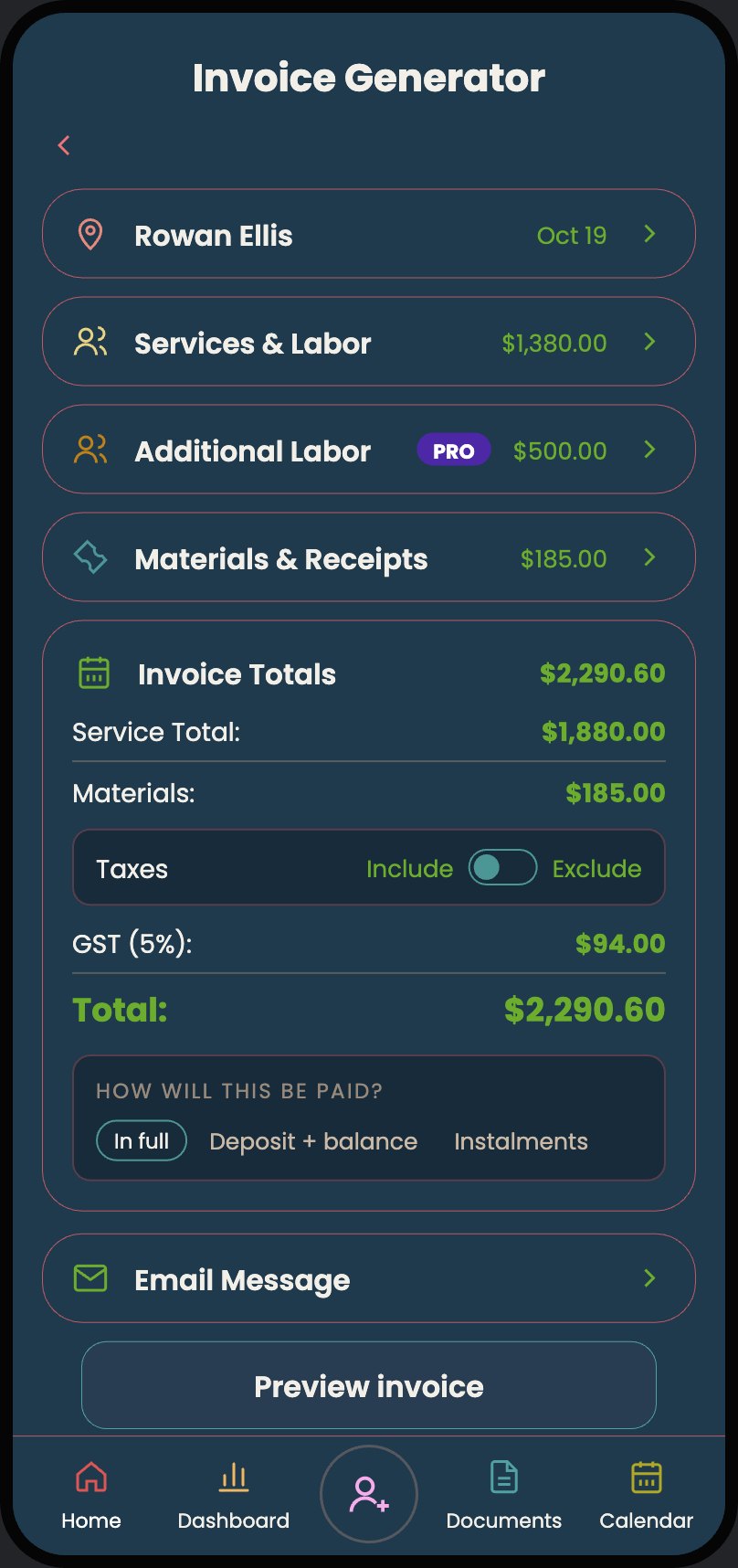
One-Tap Invoicing
Your hours and receipts are already in there. Hit send. A professional PDF lands in your client's inbox. You didn't open a spreadsheet once.

A job organizer in your pocket.
For freelancers and solo workers in any trade. Create a client, log your hours, scan your receipts. Your invoice builds itself. Just hit send. Export a detailed spreadsheet for tax time.
One app instead of five. The big ones charge $40–600 a month.
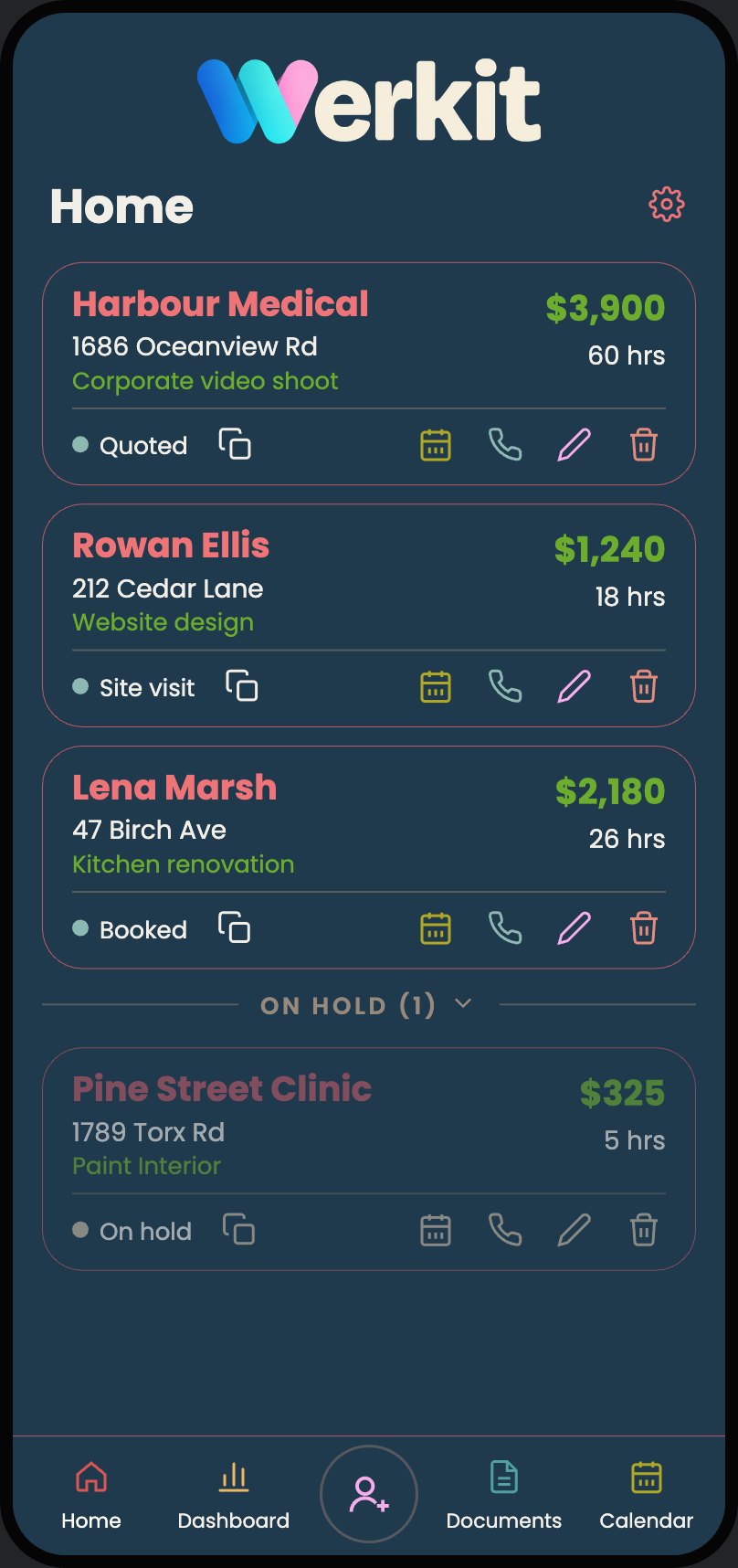
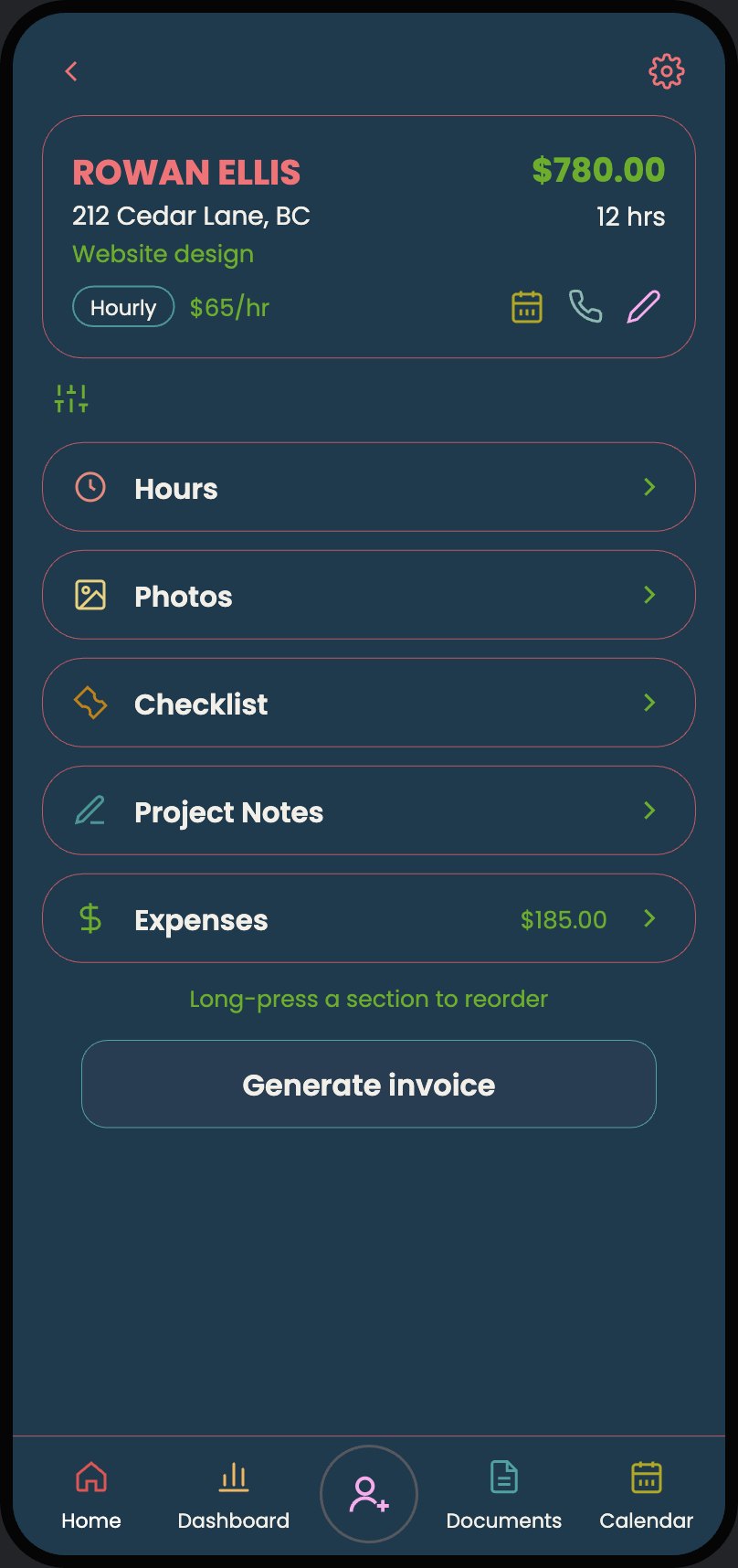
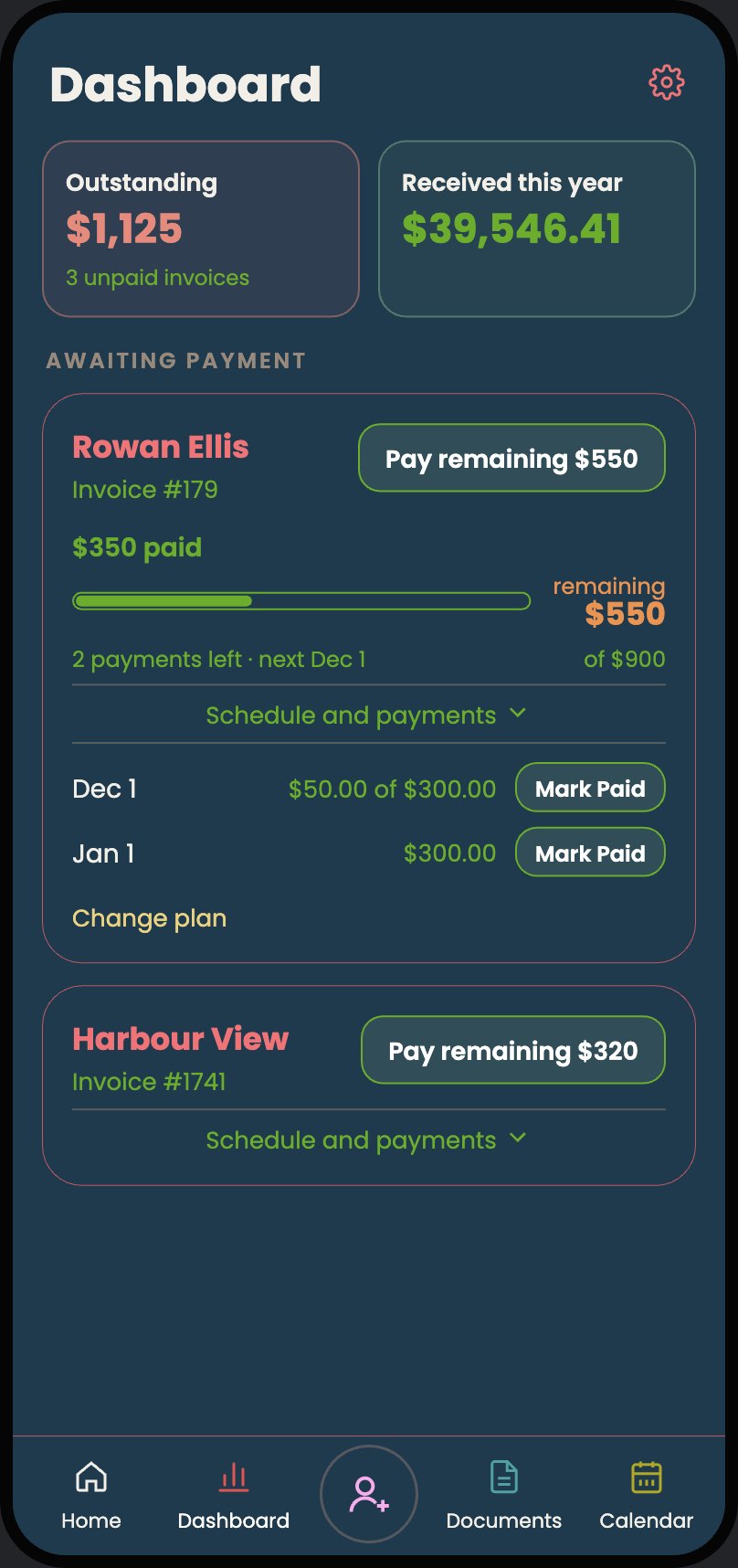
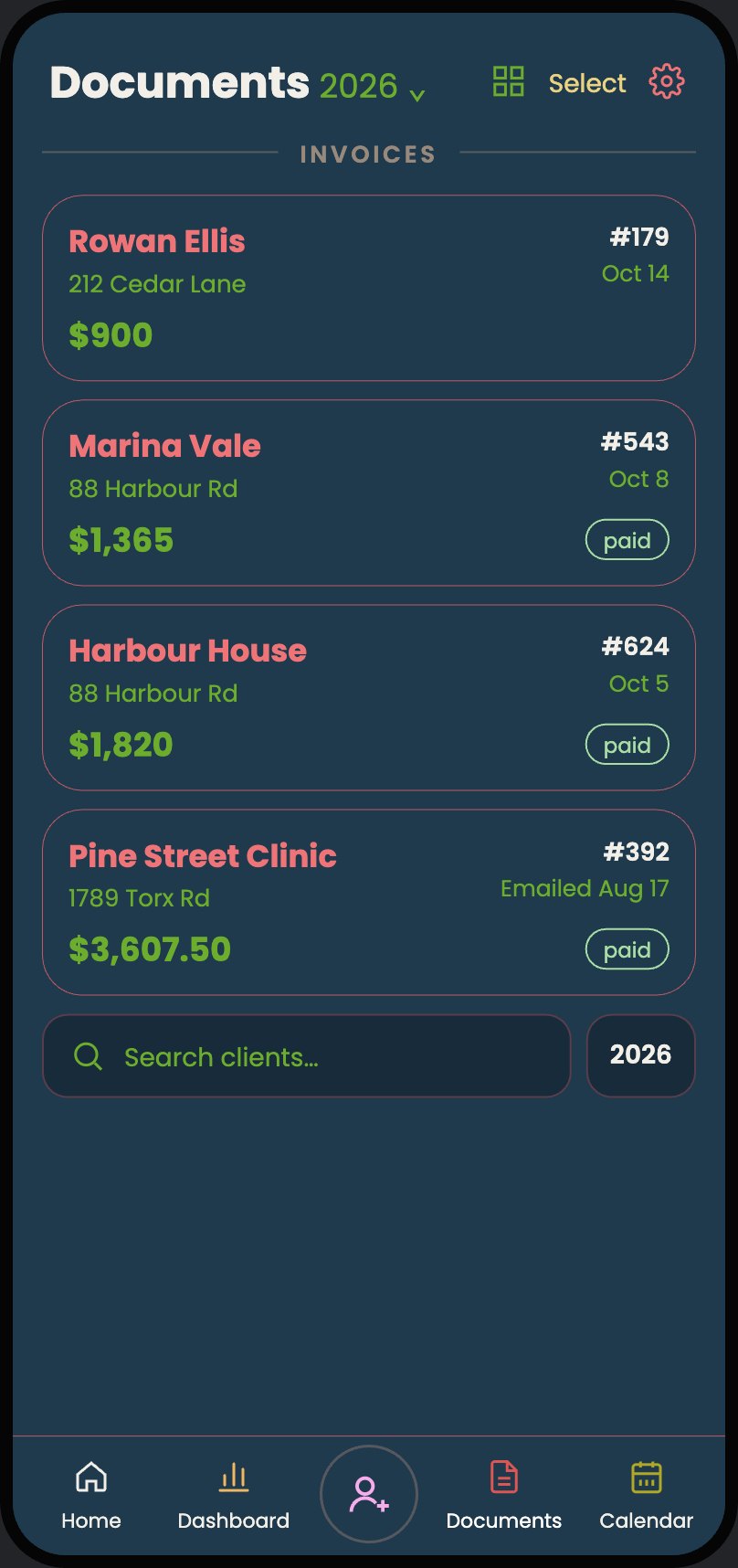
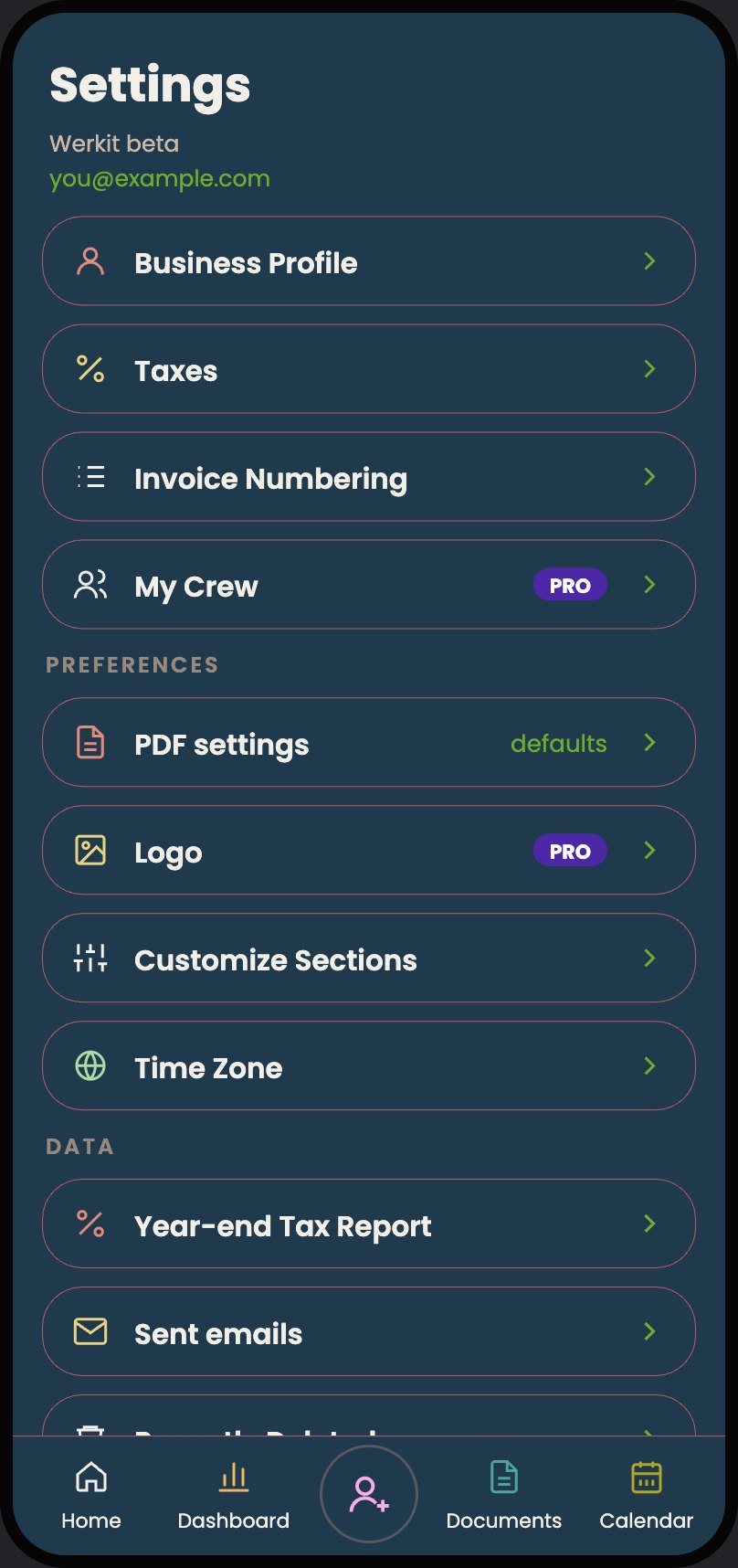
Every job at a glance.
Plumber, landscaper, photographer, editor. Tell Werkit what you do and how you charge, and every estimate starts set up for your kind of work: by the hour, by the day, one flat price, or a mix.
Search hundreds of ready-made line items or type your own. Switch to a firm quote with one tap. When they say yes, it becomes the invoice. Nothing typed twice.
Your hours and receipts are already in there. Hit send. A professional PDF lands in your client's inbox. You didn't open a spreadsheet once.
Snap a receipt — even a messy one. The app reads it, files it, and attaches it to your invoice automatically. Throw the paper away. The government accepts digital.
Tap in. Tap out. Your earnings update live. No napkin math, no guessing at the end of the week.
Walk the job. Build the quote on your phone. Materials, labor, travel, markup — all calculated. Send it before you leave the driveway.
Every client, every address, every dollar. One screen. Always current.
Reference photos catch the details you'd otherwise miss. Snap the problem areas on-site and quote accurately once you're back home.
Feedback from the beta, in their words.
“I'm a total scatterbrain. Having everything in one place is a game changer.”
Anna · Carpenter
“I was losing receipts all the time. Nice having everything in one place. The receipt scanner works brilliantly.”
Mike · Residential Painter
“Great app! Much simpler to use than other apps currently on the market.”
Nolan · Interior Painter
Founding 50
The first 50 people on Werkit get a full year of Pro at no cost. Use it for real work and tell me what's working and what isn't.
Monthly limits on receipt scans and photos apply.
Any work you bill a client for. If you can describe the job as hours, days, a flat price or a list of items, Werkit can estimate it, track it and invoice it.
It runs in your phone's browser and installs to your home screen like any other app. It works on a computer too, with the same account.
No. Open the site in your browser, tap Share, then Add to Home Screen. Ten seconds.
Free during beta. The first 50 people get a full year of Pro at no cost. Monthly limits on receipt scans and photos apply.
You set your own tax names and rates once, and Werkit adds them to every estimate and invoice. It never guesses a rate for you.
Your data is stored securely on encrypted servers. You own it. It's never sold or shared with third parties.
For now you add the people you hire to a job and bill for their time. Shared jobs, where they log their own hours, are on the way.
Free during beta. No app store needed. Install in ten seconds from your browser.